From Drag-and-Drop to Code: My 3D Printing Journey
I started learning 3D printing using very simple tool - ToyBox Editor. I could drag and drop shapes into a scene. It was easy to start with, but also annoying. If something didn’t fit right, it was hard to fix. Sometimes I had to delete and rebuild parts again just to make small changes.
After that, I moved to block coding in Tinkercad. This was better because I could connect logic blocks and use variables. Instead of just placing shapes by hand, I could make designs that changed based on rules. It felt more powerful, but it was still limited. I could not do everything I wanted.
Then I made a big jump into real coding with Python using CadQuery. This felt like going from building with toys to writing instructions for a machine. At first it was hard, but I slowly started to understand it.
Now I can actually design 3D objects by writing code. Even better, AI tools like Claude Code can help write Python for me. That means I can describe what I want, and get real code that makes real 3D shapes.
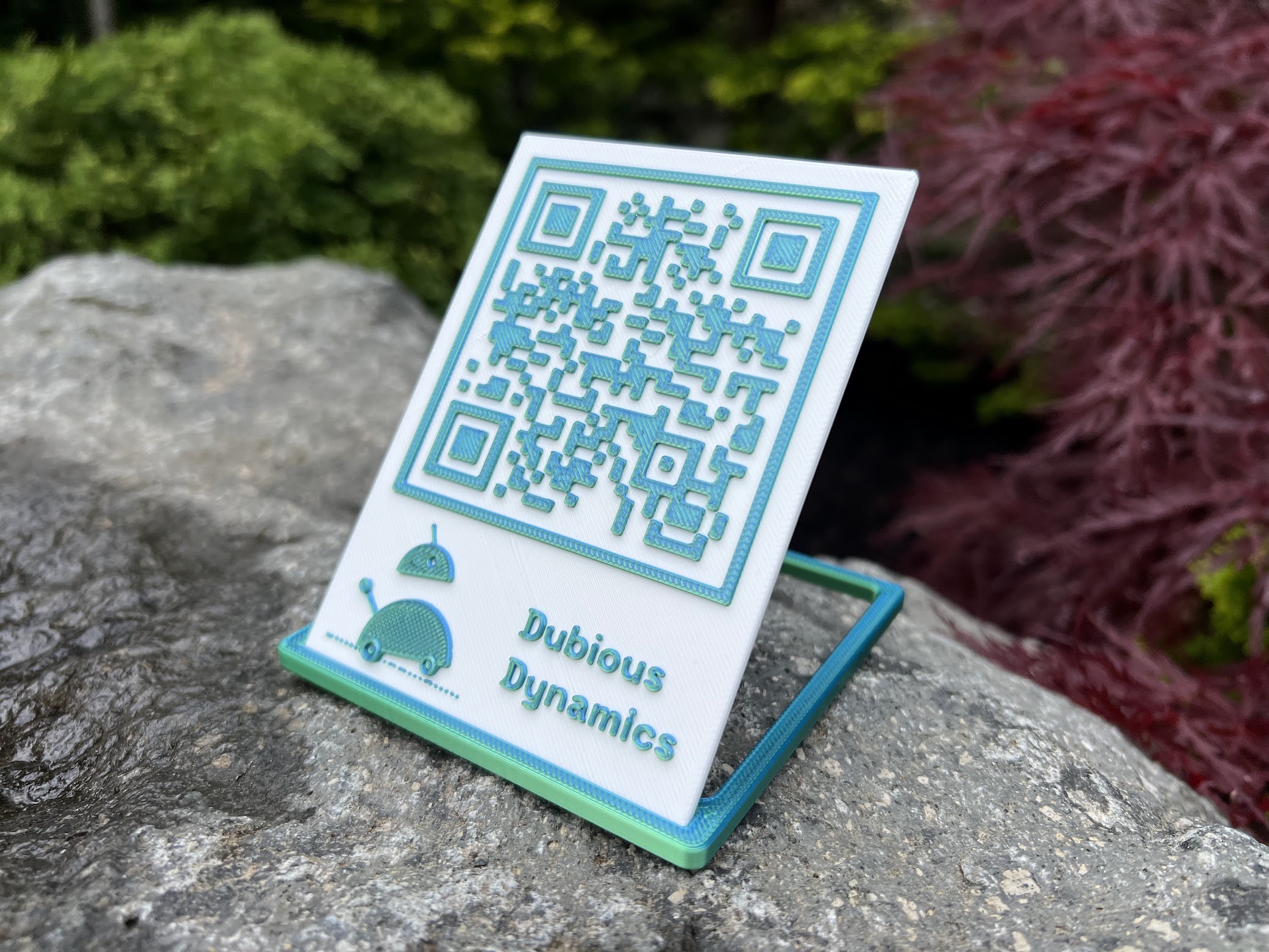
To show what I learned, I even made a QR code using this system. It was a small project, but it showed how far I had come — from dragging shapes around, to actually coding real 3D prints.